
Play the daily round, review one result that surprised you, then stop when you have one useful thing to practise. This is a manageable routine to try, not a measured guarantee of better scores.
Allow time for playing and reviewing
Seven 25-second answer windows add up to 7 × 25 = 175 seconds, or 2 minutes 55 seconds. Menus, transitions and review add time; 175 seconds is not the full visit duration.
- Choose a time when you can read and type comfortably.
- Check the sheet date if you are near reset.
- Use the live countdown and reset guide; current saved reset timestamps are 04:00 UTC.
Choose the surprise you can explain
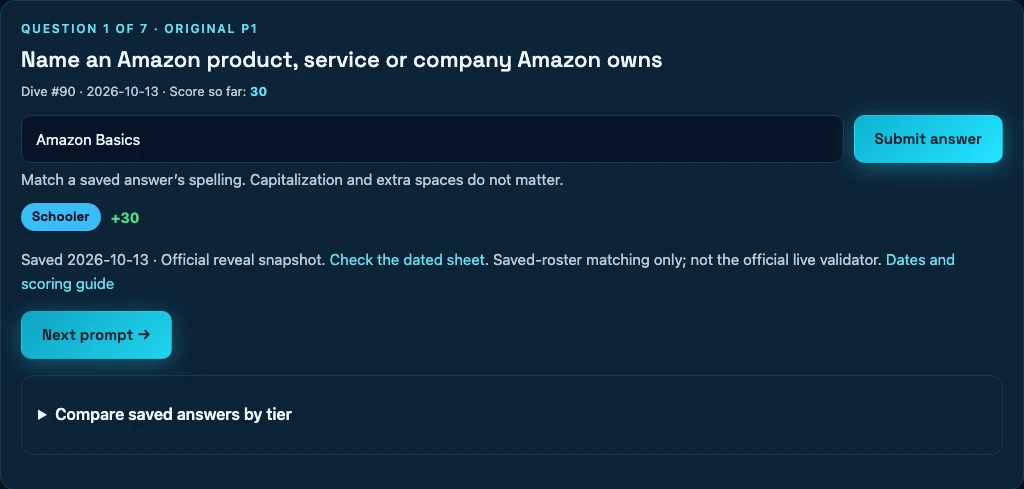
Use the dated link to check one result, then choose whether you want more examples. A review session can finish once you understand the condition and one alternative; you do not need to read every saved answer.
| Result | Question to investigate | Possible next step |
|---|---|---|
| A retry or zero | Was it input, fit or expiry? | Practise the exact name or condition. |
| An accepted low grade | What tier did the dated roster record? | Compare one alternative. |
| An unfamiliar gem | What fact makes it fit? | Save that connection, not just the score. |
You can review more when you want. “One result” is a way to limit the session, not a scientific optimum or an obligation to study every day.
Basque pelota: learn the context, not a permanent score
- July 16, Summer Olympics: 100 points.
- July 29, racquet or paddle sport: 15 points.
- The records establish the contrast. They do not show the editor’s reasoning or player frequencies.
Write a three-line note
Example review note — July 29, prompt 6.
Basque pelota was saved at 15, not the 100 I remembered from another question.
Next time: keep the complete question beside a saved grade.
This is an example of how to write a note, not a transcript of a player’s submission. Leave out guesses about what “everyone” chose.
Practise one change and finish
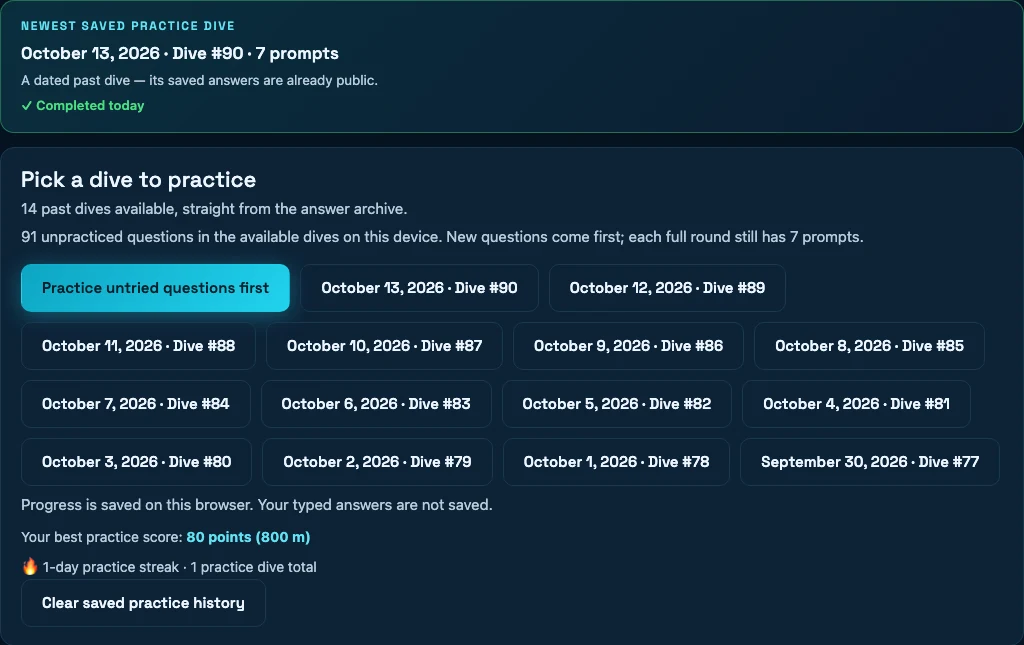
Choose untried questions when you want a new recall task. Reopen a completed date when you want to compare a familiar result. Clearing browser history resets this local cue; it does not reset the official game.
- Choose an available date in practice.
- Read all conditions before entering a candidate.
- Expand the saved tiers after answering.
- If you finish with zeros, use the separate retry option to revisit those prompts.
Practice is untimed and keeps its own browser-local history. It does not change your official score. Older examples remain useful as lookup records even after they leave the practice selector.